by
by Are you watching AI tools send leads to your competitors while your LinkedIn presence sits idle? Wondering whether the new LinkedIn ad features are worth your time?
In this article, you'll discover how to position your LinkedIn content to get cited by AI tools like ChatGPT, which new LinkedIn ad features are worth testing, what LinkedIn's crackdown on automated comments means for your engagement strategy, and more.
#1: LinkedIn Is Making Content More Accessible to AI
Months ago, AJ Wilcox noticed a few leads on his website's “How did you hear about us?” form saying they’d found him through ChatGPT, Claude, or Gemini. About six months ago, that number climbed from two or three per week to five or six. Today, AI referrals account for roughly 30–40% of his incoming leads, and the trend continues to rise.
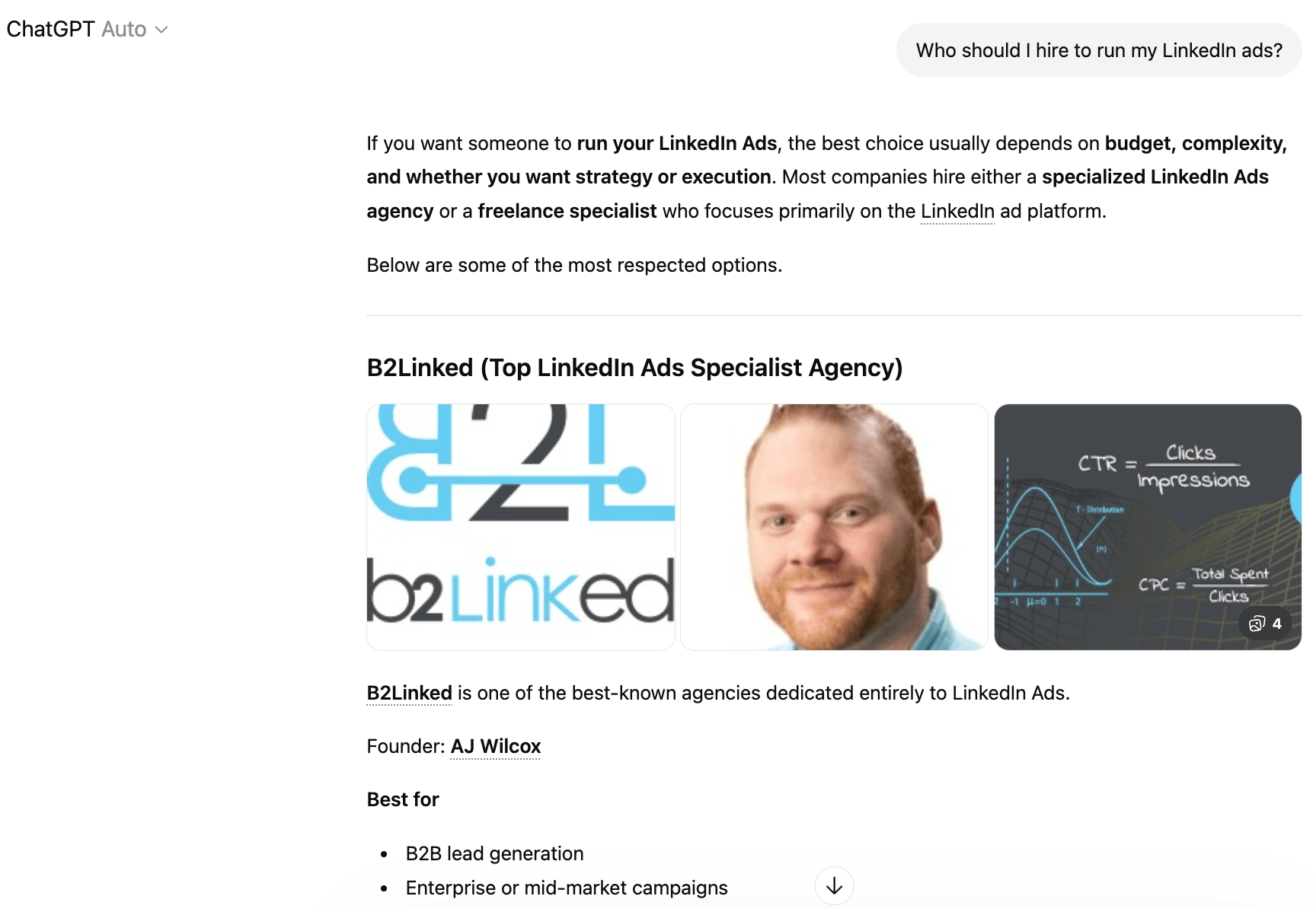
Because Microsoft owns LinkedIn and is the largest investor in OpenAI, the company behind ChatGPT, AJ fully expects LinkedIn content to get preferential treatment in ChatGPT's results, while competitor LLMs like Google's Gemini may eventually face restrictions on scraping LinkedIn.
Whether or not that plays out, LinkedIn is investing in making its content readable and indexable by AI models by adding semantic markup that describes the meaning and purpose of content, specifically to make it easier for LLMs to ingest.
How to Adjust Your LinkedIn Content Strategy for Humans, Search, and AI Visibility
The active shelf life of a LinkedIn post is about two to three days. After about two weeks, that human engagement dies out.
When you publish a LinkedIn newsletter article, the platform automatically creates a companion post that publishes to the feed. That auto-generated post tends to underperform compared to a freshly written post, but the article remains permanently accessible to LLMs.
AJ recommends using both types of LinkedIn content intentionally.
- Use feed posts to drive human attention and engagement from your network.
- Publish long-form content such as a blog post, a podcast episode summary, or an in-depth analysis on your own blog or website, and wait two or three days for Google to index it.
- After the content is indexed by Google, republish it as a LinkedIn newsletter article.
This sequence protects your SEO priority because Google attributes the original content to your site while making the content available to LLMs through LinkedIn's indexed archive.
Write for Your Audience: LinkedIn recommends writing at a ninth- through eleventh-grade reading level. AJ writes at a fifth-grade level for ads—not to dumb things down, but because busy professionals skim, and the message has to land even in a quick pass.
Jerry Potter adds a useful counterweight to the grade-level debate: regardless of the level you write at, LLMs are likely to rewrite your content to match the reading preferences of the individual user. AJ confirmed this point directly. So don't overthink grade-level optimization at the expense of serving your actual audience.
The key is writing at your audience's level first, not at what LinkedIn recommends. If you're writing for scientists, write for scientists.
Make Statements the LLMs Can Corroborate: When an AI model already has a fact in its training data, and your content aligns with that fact, it's more likely to surface your content as a source. Novel claims or statistics the model hasn't encountered create uncertainty, and it's more likely to skip your content than risk citing something it can't verify.
#2: Recommendations for New LinkedIn Ad Features
LinkedIn has rolled out several new ad features, ranging from genuinely useful to overpriced. AJ's perspective on each one cuts through the marketing language.
Ready to Supercharge Your Marketing Strategy?

Get expert training and an unbeatable conference experience when you attend Social Media Marketing World this April 28-30—from your friends at Social Media Examiner.
Broaden your reach, skyrocket your engagement, and grow your sales. Become the marketing hero your company or clients need!
🔥 Save $450 on an All-Access ticket. Sale Ends Wednesday! 🔥
GET THE DETAILSDynamic Ad Personalization
The new ad personalization feature lets you dynamically insert a member's first name, job title, company name, or industry into your ad copy, just as an email marketing tool uses merge tags.
The appeal is the ability to build hyper-relevant ads at scale without managing dozens of separate ad sets. But how do these ads perform?
When AJ manually built campaigns targeting specific companies and wrote custom ad copy using each company's name, he saw click-through rates jump tenfold. That result made him eager for automated personalization. When he tested dynamically inserting company names into ads, the feature produced almost no lift.
First-name personalization got a slightly higher click-through rate but a lower conversion rate.
The one variable that showed promise, according to a member of his community, was job title.
AJ's working hypothesis is that the more personal and precise the data point, the more it reads as surveillance and pushes people away. Using a job title feels like targeting, which people on LinkedIn already understand and accept. Using a first name feels invasive.
His cleaner recommendation is not to call out the person's data at all. Instead, address the pain they're experiencing. An ad that opens with “Struggling to generate qualified leads for your business?” speaks directly to a marketing professional without requiring dynamic insertion or triggering a negative response. The personalization is implied by the targeting, not announced in the copy.
Reserved Ads
Reserved ads let you lock in the first position in the LinkedIn feed for a specific audience, day, and budget. Pricing is based on audience size, activity level, and day of the week. Monday and Tuesday cost more than Friday and Saturday, for example.
Michael Stelzner's read on reserved ads is that the first position is genuinely valuable precisely because of scroll fatigue—the first thing someone sees in a feed captures more attention than whatever is seven or eight scrolls down when you're flying through at breakneck speed.
But he also points out that you can get roughly the same result by targeting the right audience and bidding high enough to ensure full coverage. While bidding high means paying two to three times the normal rate per click or impression, that cost could turn out to be cheaper than the reserved rate.
AJ agreed with that assessment, noting that reserved ads carry less flexibility and require a custom quote from LinkedIn rather than a self-serve setup in Campaign Manager.
The practical use case where AJ sees reserved ads making sense is time-sensitive events, such as a webinar happening later in the day or an in-person event where you need guaranteed visibility to a specific audience by a specific time. Outside of that scenario, he views it as a solution to a problem most advertisers can solve more cheaply themselves.
Flexible Ad Creation and AI Ad Variants
The flexible ad creation feature lets you upload multiple images, headlines, and body copy variations. LinkedIn will automatically test combinations of those creative assets and shift budget toward the top performers. Separately, the AI ad variants feature generates multiple versions of ad copy from a single input, including pulling from your existing profile headline or intro.
AI Is No Longer Optional for Marketers—Ready to Master It?
This April 29-30, join over a thousand forward-thinking marketers at AI Business World—a conference-in-a-conference at Social Media Marketing World.
Get two days of practical AI training where you'll discover:
✅ Systems that 3x your output—leaving time for strategy and creativity
✅ Proven strategies you can deploy right away—no guesswork, no wasted budget
Become the indispensable AI expert your company needs.
GET YOUR TICKETS—SAVE $150LinkedIn cites internal data showing advertisers who run five ads see a 20% higher click-through rate than those running a single ad, which is the basis for their recommendation to run five to seven creatives per campaign.
AJ pushes back on that recommendation. His preferred approach is to run two ads at a time, with a maximum of three. With two or three ads, every creative gets enough impressions to tell you what's actually working.
Running four or more ads breaks LinkedIn's default frequency cap, which limits your ads to one impression per person per 24 hours. Above four, LinkedIn can serve your ads to the same person up to 3.5 times per day, which is good for time-sensitive campaigns but burns out your audience for ongoing ones. More practically, he’s found that when you upload more than three creatives into a campaign, LinkedIn tends to wholesale ignore at least one or two.
#3: LinkedIn Premium All-in-One for Small Businesses
LinkedIn has launched a new premium tier targeting solopreneurs, small business owners, and founders handling sales, hiring, and marketing simultaneously. The package runs roughly $75–$80 per month, somewhat above the cost of standard LinkedIn Premium, though both prices vary by region.
The feature set includes unlimited prospect searches with advanced filters, AI-assisted InMail drafting, daily lead suggestions, a centralized dashboard for tracking outreach and hiring activity, a $50 monthly post-boosting credit, and an auto-invite feature that automatically sends connection requests to people who engage with your posts.
AJ describes the package as training wheels for LinkedIn and says it's well-suited to the client he hears from most often: someone who knows they need to be more active on LinkedIn, wants to grow their presence, but doesn't have the time or know-how to manage it day to day. For that person, having lead suggestions fed to them and warm connection requests going out automatically has real value.
For a sales professional doing heavy outreach, he'd still recommend Sales Navigator, which offers more sophisticated prospecting workflows.
The Auto-Invite Feature
The auto-invite function, which automatically connects you with anyone who engages with your posts, is the feature AJ finds most intriguing and worth watching.
When someone has liked or commented on your post in the last 24 hours, they're likely to recognize your name on a connection request, which makes an un-messaged invite much more likely to be accepted.
LinkedIn data suggests that a generic connection request with no message gets accepted about 40–50% of the time, and that's before the recipient has any context for who you are. Delivering that request shortly after an engagement could meaningfully increase the acceptance rate.
His one concern is control: he wants to know whether outgoing invites include a personalized message or go out blank, and whether he can review them before they're sent.
The $50 Boost Credit
AJ's take on the monthly boosting credit is blunt: it's more of a coupon than a tool.
Post boosting from within a LinkedIn post offers very limited targeting options, nowhere near the precision available in Campaign Manager. There's no pause button, so stopping a boost requires deleting it entirely. Performance data lives in each individual post rather than a unified dashboard, which makes it impossible to compare results across campaigns.
His standing recommendation is to run any paid promotion through Campaign Manager directly, even if that means setting up a separate account. The control over budgets, targeting, and reporting is worth the extra steps.
#4: LinkedIn Bans Automated Comments to Protect Authentic Conversations
LinkedIn has officially stated that comments submitted via browser extension scripts or third-party tools—without a human actually clicking the comment button—are not permitted.
To enforce this, the platform is taking three steps:
Removing automated comments from the “Most Relevant” default sort (which means they get significantly less visibility), preventing them from being shared beyond the commenter's immediate network, and restricting platform access for accounts that repeatedly post low-quality automated comments.
Michael thinks this policy will be exceptionally difficult to enforce. Tools now exist—including computer use agents like Claude that take over a browser, visit LinkedIn profiles, review context, and write genuinely thoughtful comments—that leave no obvious signal that the comment came from an AI. If those tools pass LinkedIn's detection checks, there's no clear mechanism to stop them.
AJ's personal policy is to avoid any signal of automation on his own account, because the risk of having his account restricted is too high.
Tips to Scale Your LinkedIn Commenting
For time-strapped marketers who want to leave genuine comments without the time cost of typing, Michael Stelzner recommends desktop voice dictation such as Wispr Flow, which lets you speak your response and have it transcribed directly into the comment field.
AJ confirmed he had just started using it himself, describing it as a practical way to write longer, more substantive comments quickly without resorting to bots. The line he draws is disclosure: an AI assistant that identifies itself is a scalability tool; an undisclosed AI impersonating him is a relationship liability that causes people to write him off permanently.
AJ Wilcox is the world's leading LinkedIn Ads expert and teaches businesses how to drive high-quality B2B leads at scale. He is the founder and CEO of B2Linked and the host of The LinkedIn Ads Show podcast. Follow him on LinkedIn.
Other Notes From This Episode
- Connect with Michael Stelzner @Stelzner on Instagram and @Mike_Stelzner on X.
- Connect with Jerry Potter on LinkedIn and YouTube.
- Watch this interview and other exclusive content from Social Media Examiner on YouTube.
Listen to the Podcast Now
This article is sourced from the Social Media Marketing Podcast, a top marketing podcast. Listen or subscribe below.
Where to subscribe: Apple Podcasts | Spotify | YouTube Music | YouTube | Amazon Music | RSS
✋🏽 If you enjoyed this episode of the Social Media Marketing podcast, please head over to Apple Podcasts, leave a rating, write a review, and subscribe.
Stay Up-to-Date: Get New Marketing Articles Delivered to You!
Don't miss out on upcoming social media marketing insights and strategies! Sign up to receive notifications when we publish new articles on Social Media Examiner. Our expertly crafted content will help you stay ahead of the curve and drive results for your business. Click the link below to sign up now and receive our annual report!

Want to Unlock AI Marketing Breakthroughs?
If you’re like most of us, you are trying to figure out how to use AI in your marketing. Here's the solution: The AI Business Society—from your friends at Social Media Examiner.The AI Business Society is the place to discover how to apply AI in your work. When you join, you'll boost your productivity, unlock your creativity, and make connections with other marketers on a similar journey.
I'M READY TO BECOME AN AI-POWERED MARKETER