 by
by Are you tired of manually copying and pasting data between AI tools? Looking for an agentic AI tool that will pass off multi-step processes to other tools without constant input from you?
In this article, you'll discover how to get started using Manus to build agentic workflows that delegate complex tasks to other tools with minimal human intervention.
What Makes Manus Different From Standard AI Chatbots
If your AI use relies on chats with ChatGPT or Claude, you’re likely familiar with this process: the AI asks “How can I help you?” which really means: tell me what you want, I'll show you what to do, but you still have to do the work.
Kate vanderVoort draws a sharp distinction between that experience and what Manus does.
Manus asks “What can I do for you?” and then goes and does it by using other tools, working through multi-step sequences without human input at each stage, and accessing the web on its own. It doesn't respond to prompts. It executes them.
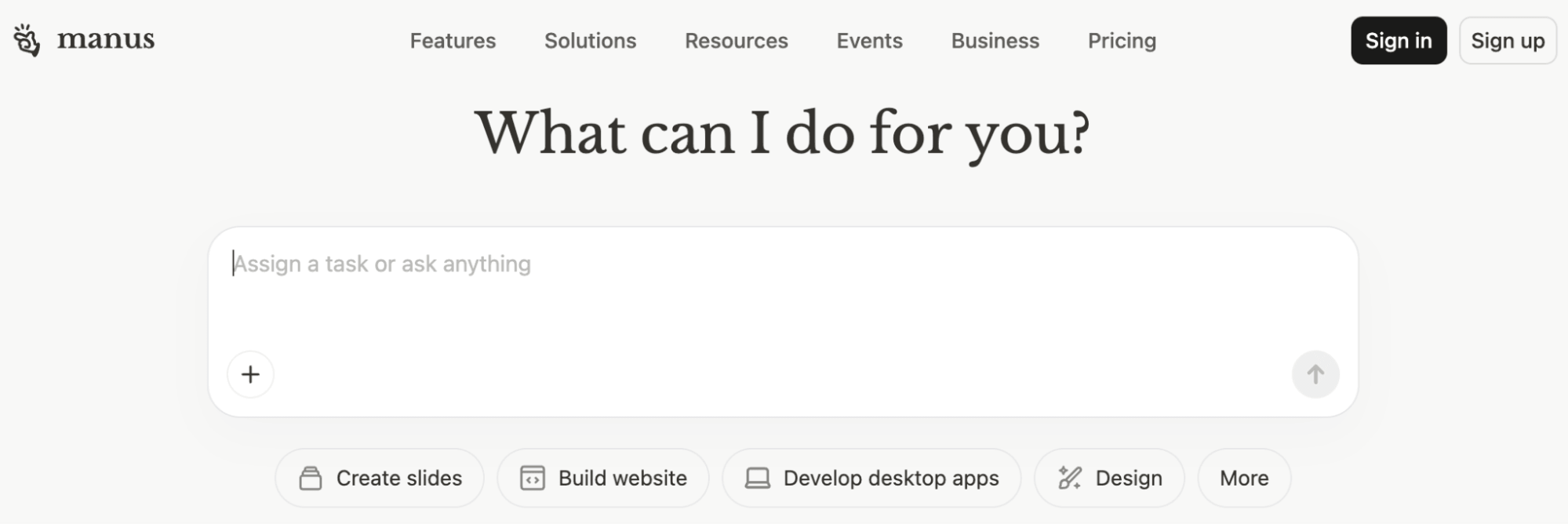
Even better, Manus operates almost entirely through natural language exchanges, so no coding experience is required to use it. Kate's background is in marketing and communications, not technical implementation, and she found Manus accessible from day one.
#1: Choose Your Manus Subscription Plan
Manus uses a credit-based model: rather than a flat fee, you pay a baseline subscription plus a pool of credits the agent spends on each task it runs. Paid plans start at $20 per month for 4,000 credits, with $40 (8,000 credits) and $200 (40,000 credits) tiers above it. Every plan, including the free one, also includes 300 refresh credits per day that reset every 24 hours.
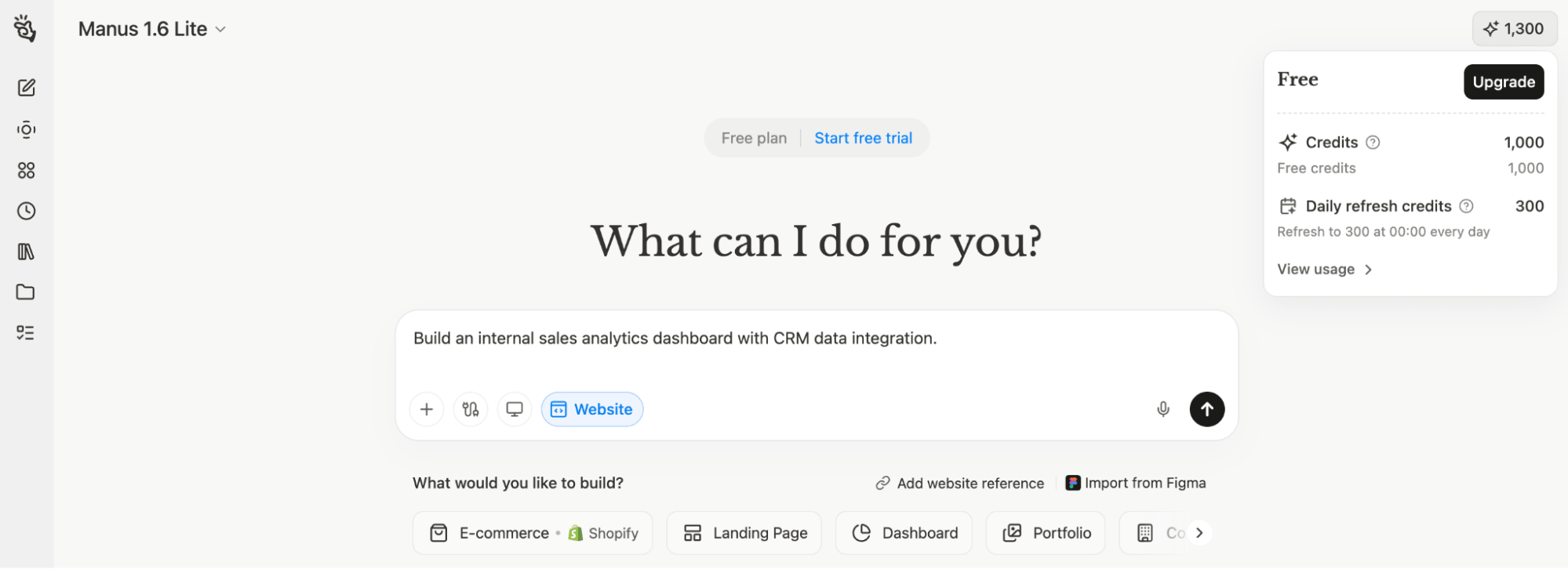
The pertinent question is what does a task actually cost?
A quick query might run 5–10 credits, while an autonomous workflow such as searching multiple sites, synthesizing the results, and generating a report can burn 900 or more in a single run.
So while a light daily task often fits inside the free 300-credit allotment, the deeper workflows in this article will push you onto a paid tier. One caveat worth knowing: monthly credits don't roll over, so unused allocation is forfeited at the end of each cycle.
#2: 4 Ways to Access Manus
Manus offers four distinct access modes, each suited to different workflows and levels of complexity.
Browser-Based Access: This is the most familiar starting point. Manus runs in a browser the same way ChatGPT or Claude does, with one meaningful addition: it can log into and interact with online platforms as the you, the user. For example, it can log into LinkedIn, search for prospects, pull data from a CRM, or manage work inside any account already set up, without ever seeing the actual login credentials.
My Computer: Manus installed as a desktop application can access and work with files stored on your local machine. This is comparable to Claude Cowork, Codex, or Perplexity Computer, where the AI has direct access to local files rather than being limited to manually uploaded content. The computer must remain on for this mode to work.
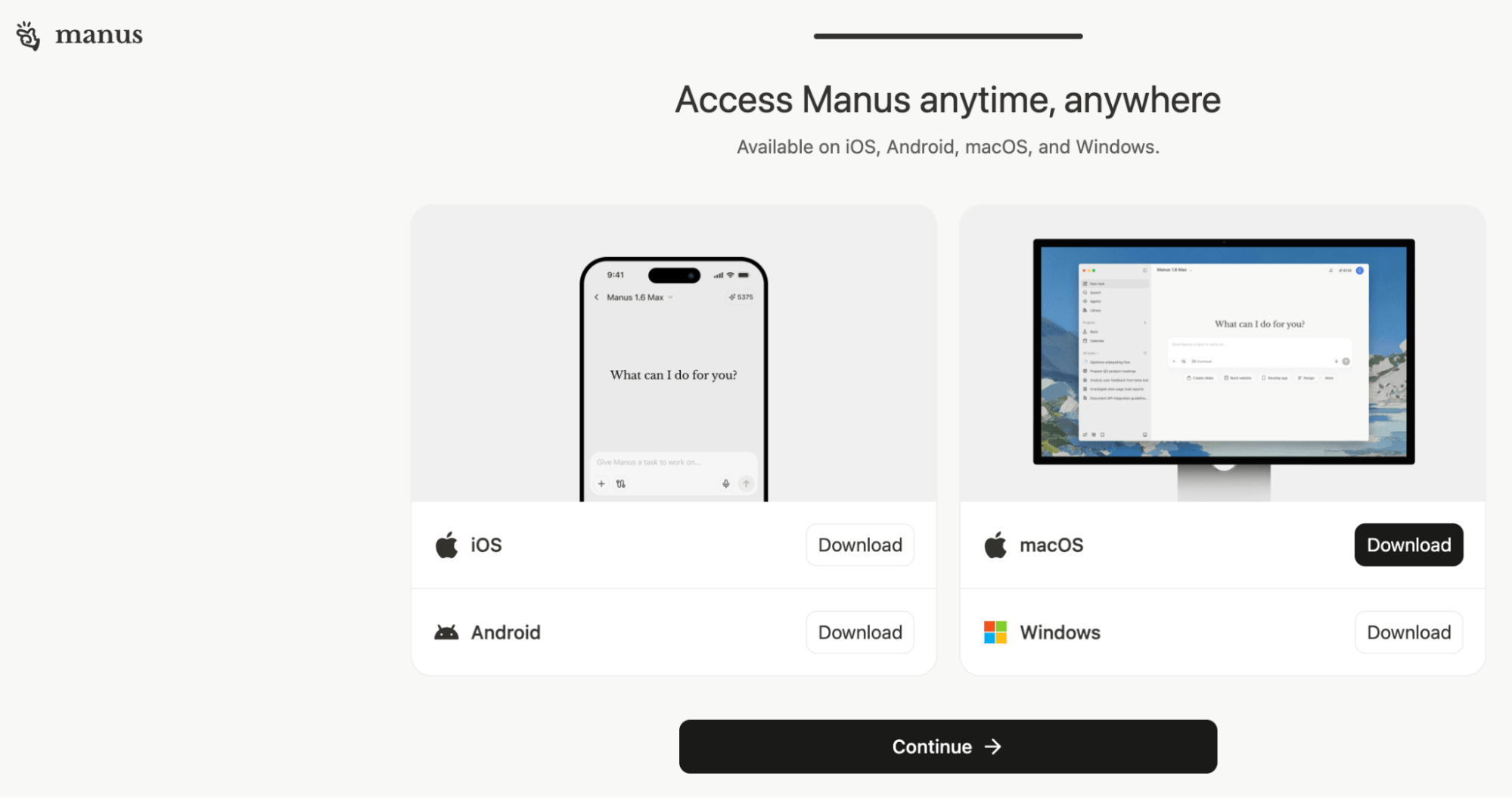
Manus Agent via Telegram: This mode creates a Manus chat channel through Telegram, allowing communication with the Manus agent from a phone when away from the desk. When a desktop session is running a long task and needs input, the Telegram channel allows monitoring progress and sending responses without being at the computer.
Go Deeper Than an Article Can Take You

Join thousands of small-business marketers at Social Media Marketing World — three days of AI, social media, and marketing strategy taught by world-class experts. April 1–3, 2027 in Anaheim.
Every session is pitch-free and built around tactics you can use yourself, no big team required. Your All-Access ticket includes an extra day of workshops, full access to AI Business World, and recordings of everything.
GET MY ALL-ACCESS TICKET — SAVE $790Manus Cloud Computer: The most advanced option, the Manus Cloud Computer runs continuously as a virtual computer hosted in the cloud. Unlike standard Manus sessions, which spin up a sandbox environment for each task and dissolve it when finished, the Cloud Computer maintains persistent databases that accumulate information over time.
Where other advanced platforms require command-line interface configuration, the Cloud Computer handles installation, manages the CLI, and completes all required coding to build its own environment based on natural language instructions. It requires a separate subscription.
Kate has set up an always-on competitor scan and AI news sweep that runs continuously and feeds findings to her community. The Cloud Computer can also serve as a 24/7 social media manager, monitor trending topics, populate a content database, and manage chat interactions through platforms like WhatsApp.
#3: Identify Processes Worth Automating With Manus: 2 Examples
Kate offers a clear formula for what belongs in Manus: the steps are repeatable and the outcome is predictable. Any process that meets both criteria is a strong candidate.
The scope of what Manus can handle within a single session is broader than most users expect.
The Proposal Generation Workflow
Kate's most concrete example of agentic AI in practice is the client proposal process she runs for her consulting business.
Before Manus, the process worked like this: a potential client would come in, she'd take the client details to Perplexity and ask it to write a research prompt, take that prompt to Gemini Deep Research to produce 30 to 40 pages of background on the company and contact, use Gemini's Canvas to build a web page with conversation starters and product-to-KPI mapping, run the discovery call with that web page in front of her, then take the call transcript to Claude to write the proposal. Every step required human hands to move the output from one platform to the next, representing three to four hours of work per client.
With Manus, the same sequence runs as a single agentic workflow. Manus conducts the research, builds the briefing dashboard, and generates the personalized proposal. The only step Kate handles manually is uploading the call transcript into the active thread. The cost to build the workflow the first time: approximately $15 in credits. The cost to run it for each new client: a few thousand credits or roughly $5.
The Training Program Generation Workflow
During a workshop with a large food and beverage manufacturer, Kate prompted Manus to build a training program for their learning and development team.

Tired of Guessing Which AI Moves Matter?
New AI tools and strategies launch every week — and figuring out which ones matter takes hours you don't have.The AI Business Society filters the noise for you, with expert-led training you can put to work the same day — plus a community of marketers sharing what's actually working.
I'M READY FOR REAL AI RESULTSManus ran a 42-step task list autonomously for nearly 50 minutes, identified that the content required seven modules rather than the six requested, and delivered a seven-module training program with experiential exercises, a 150-page training manual, and an interactive quiz that graded learner knowledge module by module.
The company's L&D team reported they had been working on that project for two years and had reached only step four of their plan, and had recently paid $150,000 to an external agency to finish it.
#4: Prompt Manus for Agentic Workflows
The most common mistake new Manus users make is bringing a chatbot mindset to an agent. The way a professional interacts with Manus should be fundamentally different from how they interact with ChatGPT or Claude, and the difference comes down to preparation.
If you hired a $500-per-hour consultant, you wouldn't spend billable hours brainstorming out loud and figuring out the scope together. You would show up with a full brief. Manus operates the same way. Working through a task in real time inside Manus burns credits on an agent that's ready to execute. The planning belongs elsewhere.
Kate’s approach is to write Manus prompts in a different AI platform before opening Manus at all. She typically uses Perplexity, which provides five free Pro prompts per day, though any capable LLM works.
Using a voice-to-text tool like Wispr Flow, she does a brain dump of what she needs, then tells the LLM to create the prompt:
Please write a highly optimized prompt for Manus AI agent.

Do not do the task.
That last instruction matters. Without it, the LLM will attempt to complete the work itself rather than write the prompt. The result is a detailed, structured brief ready to drop straight into Manus, effectively AI writing instructions for AI.
For thorough coverage, Kate also asks the LLM to ask her all the questions it needs to build a complete brief before writing anything. This surfaces gaps she hadn't considered and produces a far more thorough prompt than a direct brain dump alone.
#5: Use Manus Skills for Reusable Workflows
Skills are the mechanism Manus uses to store and reuse workflows without you having to reprompt the full process each time.
Structurally, a skill is a zip file or folder containing a name and description, step-by-step instructions for the task, and optionally, context files such as a brand voice document, a style guide, foundation business documents, and examples of what a complete, successful output looks like.
Manus reads only the name and description to determine which skills are relevant to a given task, then loads the full content only when a skill is actually needed. This keeps token usage efficient: the system evaluates all available skills without front-loading every session with the full contents of each one.
Skills can be invoked automatically by Manus when it determines they're relevant, or called manually by typing a forward slash followed by the skill name.
There are two ways to work with skills:
Build a Custom Skill: After completing any task that produces a strong result, Manus will ask whether you want to save it as a reusable skill. One click creates the skill and then the entire workflow, all the instructions and context behind it, becomes repeatable on demand. Kate frames this as the core multiplier of working with Manus: execute a process well once, turn it into a skill, and it replicates that result exactly from that point forward.
Use a Pre-Built Skill: Manus includes skills for video generation, image creation, and brand consistency. Kate recommends checking what's already available before building new ones from scratch.
Pro Tip: Never download a skill from a library or social media post where there's no clear accountability for who built it. Only use skills from known and trusted sources.
Build a Business Intelligence Center From Your SOPs
The single skill that changed how Kate uses AI across her business is her SOP generation skill. An SOP (standard operating procedure) documents every step of a repeatable process. In an AI-driven business, SOPs are the foundation everything else builds on.
The skill, packaged in a zip folder, works across 14 categories and captures not just what happens at each step, but why: the reasoning behind a decision, the audience consideration behind a format choice, the logic behind a sequence. Once those are documented, AI output starts to reflect how a business actually operates rather than following a surface-level script.
The process starts with a brain dump using a voice-to-text tool. Kate narrates the task step by step, including the reason behind each decision. The skill takes that unstructured input, sorts it across the 14 categories, and asks clarifying questions to fill the gaps. The result is a comprehensive SOP that drops straight into any Manus skill as its instruction layer.
Once SOPs are in place, they become the foundation of a central repository of knowledge files, SOPs, skills, and context documents that any AI platform can access.
Kate vanderVoort is the founder of the AI Success Lab and host of the AI Grapple podcast. She specializes in helping businesses implement AI effectively through hands-on coaching and consulting. Check out the SOP Generation Skill. Follow her on LinkedIn and join her AI Success Lab Facebook group.
Other Notes From This Episode
- Connect with Michael Stelzner @Stelzner on Facebook and @Mike_Stelzner on X.
- Watch this interview and other exclusive content from Social Media Examiner on YouTube.
Listen to the Podcast Now
This article is sourced from the AI Explored podcast. Listen or subscribe below.
Where to subscribe: Apple Podcasts | Spotify | YouTube Music | YouTube | Amazon Music | RSS
✋🏽 If you enjoyed this episode of the AI Explored podcast, please head over to Apple Podcasts, leave a rating, write a review, and subscribe.
Stay Up-to-Date: Get New Marketing Articles Delivered to You!
Don't miss out on upcoming social media marketing insights and strategies! Sign up to receive notifications when we publish new articles on Social Media Examiner. Our expertly crafted content will help you stay ahead of the curve and drive results for your business. Click the link below to sign up now and receive our annual report!

Where Do You Actually Stand With AI?
Most marketers use AI, but they don't know what's holding them back from real results.
Our 3-minute quiz pinpoints the one gap keeping you stuck — and gives you the exact next step to fix it.
GET MY RESULTS






