 by
by Are you ready to start building AI agents for yourself, but worried the process is too technical? What if the power to build a custom AI workforce was already in your hands, no coding required?
In this article, you'll discover what OpenClaw is, what it can do for marketers and business owners, and how to set up your first bot with OpenClaw, step by step.
What Is OpenClaw and What Can It Do?
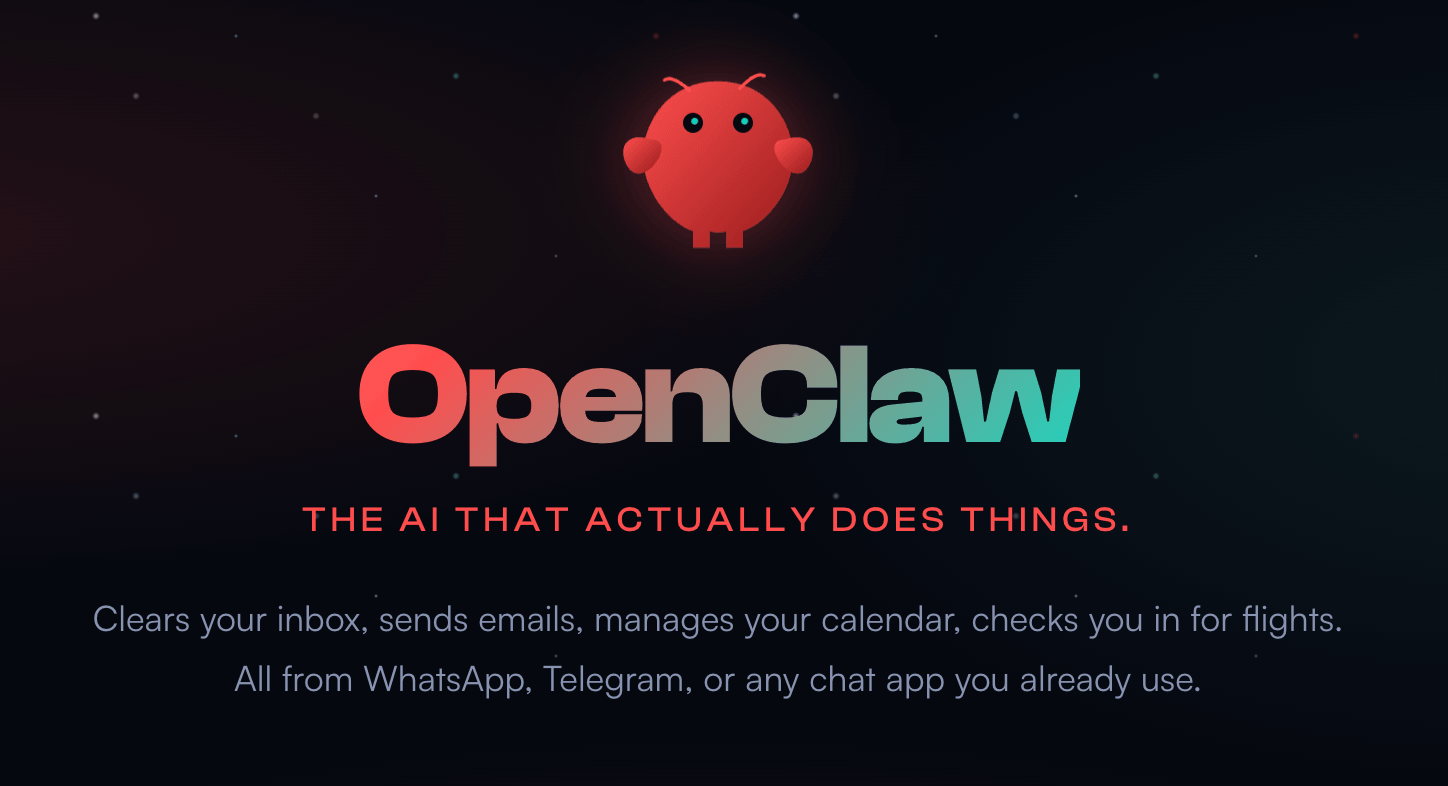
OpenClaw is an open-source platform for creating and running AI agents.
Jensen Huang, CEO of NVIDIA, described it at the GTC conference as the “iPhone moment” for AI—the point at which powerful AI becomes accessible to everyday users, not just engineers. Through OpenClaw, AI has been made accessible to someone who doesn't write code for a living.
The core promise of OpenClaw is straightforward: you outsource the repetitive parts of your workflow to agents that work in the background while you reclaim your time to focus on higher-value work.
For example:
- OpenClaw Executes Research and Planning Without You: A marketer trying to optimize Meta or X ads can send OpenClaw off to do the research and autonomously plan out a strategy, then deliver findings without requiring you to sit and supervise the process.
- OpenClaw Agents Automate Your Existing Systems: If you already have a workflow that works, OpenClaw can run it for you.
- OpenClaw Agents Are Proactive, Not Just Reactive: Mike receives fresh, unprompted reports each morning—the agent surfacing opportunities or insights it found overnight. Rather than waiting for you to ask a question, it already has answers ready.
- OpenClaw Maintains Human-in-the-Loop Approvals: For anything touching social media or public-facing output, OpenClaw keeps the human in the approval chain, so quality stays high, and nothing goes out that shouldn't.
Real-World Examples of OpenClaw Agents
The Social Media Content Automation Agent
Mike runs a fully automated X account for his Creator Magic YouTube channel and business. Set up in late February, it's publicly labeled as automated and appends “made with AI” to every post.
The agent downloads his YouTube videos, chops them into clips, and posts them as threads on X. It researches daily news and trends and posts about them.
Most recently, Mike connected this agent to a framework from Andrej Karpathy called Auto Research, which allows the agent to recursively test different post formats and writing styles, track view counts, and continuously optimize its output based on what actually performs well for that specific account.
The Health Coaching Agent
To illustrate what OpenClaw can do for personal productivity, Mike describes connecting it to his Garmin smartwatch.
Garmin doesn't offer a public API, but OpenClaw independently researched the problem, identified a Python library that can access Garmin data, and reported back. Mike asked it to set up the library. OpenClaw agreed, then came back and asked for the account credentials it needed to connect.
Once Mike provided them, it began analyzing his health metrics immediately. He then asked it to go back five years and construct a timeline of his health patterns. It identified when his fitness peaked, when it declined, and what lifestyle factors correlated with each shift.
Go Deeper Than an Article Can Take You

Join thousands of small-business marketers at Social Media Marketing World — three days of AI, social media, and marketing strategy taught by world-class experts. April 1–3, 2027 in Anaheim.
Every session is pitch-free and built around tactics you can use yourself, no big team required. Your All-Access ticket includes an extra day of workshops, full access to AI Business World, and recordings of everything.
GET MY ALL-ACCESS TICKET — SAVE $790He also fed it DNA results from 23andMe and blood test history, and now his agent references that data proactively in everyday conversations when it’s recommending what he should eat, what to avoid, and what to prioritize based on his specific biology.
#1: How OpenClaw Works
Three unlocks separate OpenClaw from standard AI platforms such as ChatGPT, Claude, or Gemini.
Communications: OpenClaw has a communication layer that lets you interact with your agents through the messaging apps you already use. Unlike working with AI in ChatGPT, Claude, or Gemini, where you open a browser tab and type in a chat box, OpenClaw meets you inside the apps you already use. Once running, you communicate with your agents via Telegram, Slack, or WhatsApp, just as you'd message a colleague.
Autonomous Actions: OpenClaw can take over a computer—opening browsers, navigating websites, clicking buttons, and executing tasks the same way a human sitting at a desk would.
Memory: Unlike a fresh chat session in a standard AI tool, OpenClaw remembers things between conversations. It stores what it learns about you, your preferences, and your business inside files it manages itself. It will remind you of goals you set, flag conflicts with constraints you told it about, and surface context you shared weeks ago. Mike notes it isn't perfect—there are occasional memory lapses—but it's the most consistent agent memory available at the moment.
#2: The Beginner-Friendly Guide to OpenClaw Setup
There is a misconception that OpenClaw, in particular, is insecure and will leak your credentials. Mike describes this as a myth. With every update, OpenClaw has actively hardened its security, and when deployed correctly on a cloud server with a basic firewall in place, it's more secure than most people assume.
Decide Where OpenClaw Will Run
Because OpenClaw can access every file on the machine it runs on, including system files it can modify, Mike strongly recommends against installing it on your main working computer until you've built confidence in how it behaves.
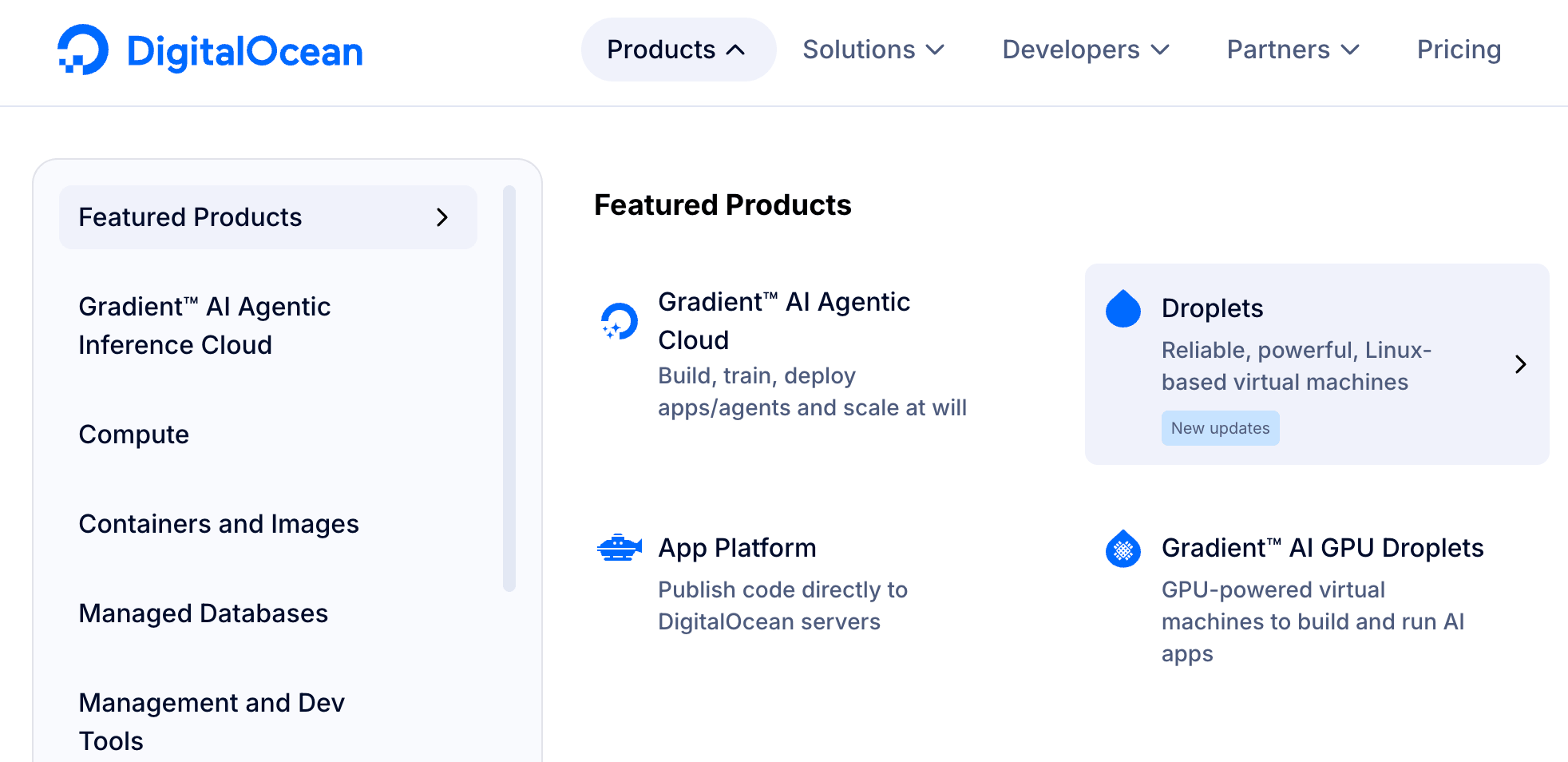
Mike recommends using a virtual private server (VPS). A VPS is essentially a computer that a hosting company runs in the cloud on your behalf. It's always on, with close to 99.9% uptime, which matters because an agent that goes dark every time you close your laptop defeats the purpose of having it. The entry-level cloud computer from a provider like DigitalOcean costs around five dollars a month. Other options include Hetzner, Hostinger, and Linode.
If you'd prefer to run OpenClaw on a physical machine at home, a Raspberry Pi at around $99 works, as does a spare Mac Mini or an old laptop.
Pro Tip: These lower-powered machines don't have enough processing capacity to run a local AI model. If you go this route, you'll need to pair OpenClaw with a cloud provider like Anthropic or OpenAI, which handles the actual computation remotely. And because a home machine that sleeps or powers down takes the agent with it, you'll lose the always-available benefit that makes the VPS setup so practical.
Install OpenClaw
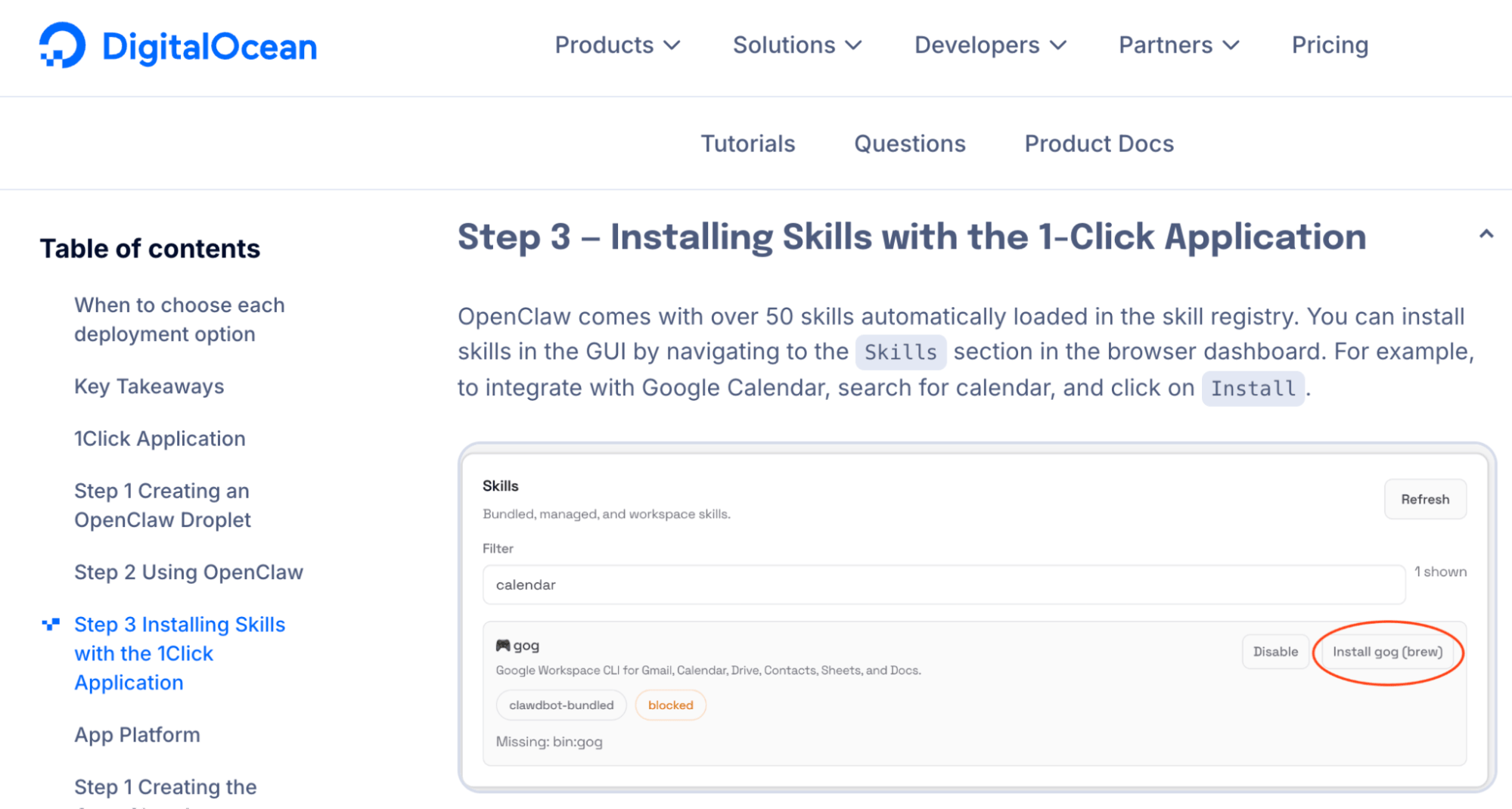
DigitalOcean and Hostinger both offer one-click installers for OpenClaw, which walk you through setup and onboarding without requiring any technical knowledge.
For a local install on your own machine, the process is only slightly more involved: you open a terminal window, type a single-line command, and the installer handles everything from there. Then you step away for about five minutes while it completes.
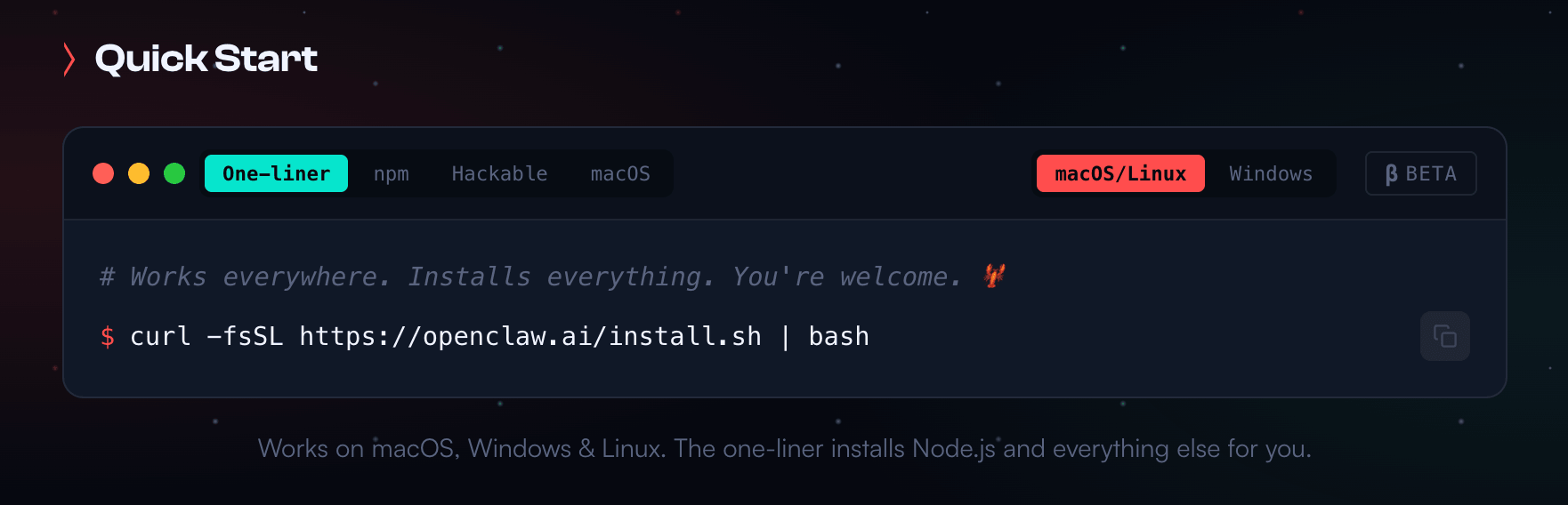
Pro Tip: When searching for OpenClaw, be careful. Peter Steinberger had to change the project's name three times, and when they finally settled on OpenClaw, they had to implement the change almost instantaneously. The official site is openclaw.ai.
Choose Your AI Provider
During onboarding, OpenClaw will ask you to connect an AI model. The two most popular options are Anthropic (Claude) and OpenAI (ChatGPT).
Anthropic
Based on both his own testing and the consensus he's seen across other creators working with OpenClaw, Mike's direct recommendation is Claude Opus for complex, high-stakes tasks. Claude Sonnet works well as an everyday driver and is significantly less expensive than Opus. For truly complex orchestration work, Mike runs Claude Max at the $200/month tier alongside Claude Code—installed on the same machine as OpenClaw—which gives him the ability to build and modify very advanced workflows.

Tired of Guessing Which AI Moves Matter?
New AI tools and strategies launch every week — and figuring out which ones matter takes hours you don't have.The AI Business Society filters the noise for you, with expert-led training you can put to work the same day — plus a community of marketers sharing what's actually working.
I'M READY FOR REAL AI RESULTSOne important caveat: Anthropic considers using Claude's monthly subscription plans (Pro or Max) to power OpenClaw a terms-of-service violation, and some accounts have reportedly been banned for it. To align with compliance, use API access—you can set this up through Anthropic's API using your existing account and pay for usage directly, which keeps you on solid ground.
OpenAI
OpenAI explicitly allows and encourages using their subscription plans to power OpenClaw, so either their monthly plan or API access works fine.
Google Gemini
Google Gemini is compatible, though Mike mentions he's encountered reports from other creators about Gemini having issues executing tool calls in this environment, which is a meaningful limitation.
Secure Your Setup
Once OpenClaw is running on a VPS, Mike recommends setting up a firewall. A firewall closes all unnecessary network access points and keeps only the ones OpenClaw actually needs open. Combined with the access credentials you create during setup, this makes a well-configured OpenClaw instance quite secure.
He notes that most of the VPS providers he mentioned generally allow you to run a firewall around your cloud computer.
Pick Your Communication App
You'll need to connect a messaging app to interact with your agents.
Mike's strong preference is Telegram, which he wasn't using before OpenClaw came along. Telegram is free to use for this purpose.
Using WhatsApp is technically possible, but it has two practical problems: running an agent on it optimally requires a dedicated phone number for the agent, and once connected, the agent can see all messages in the account, meaning anyone who messages you might unexpectedly get an AI reply.
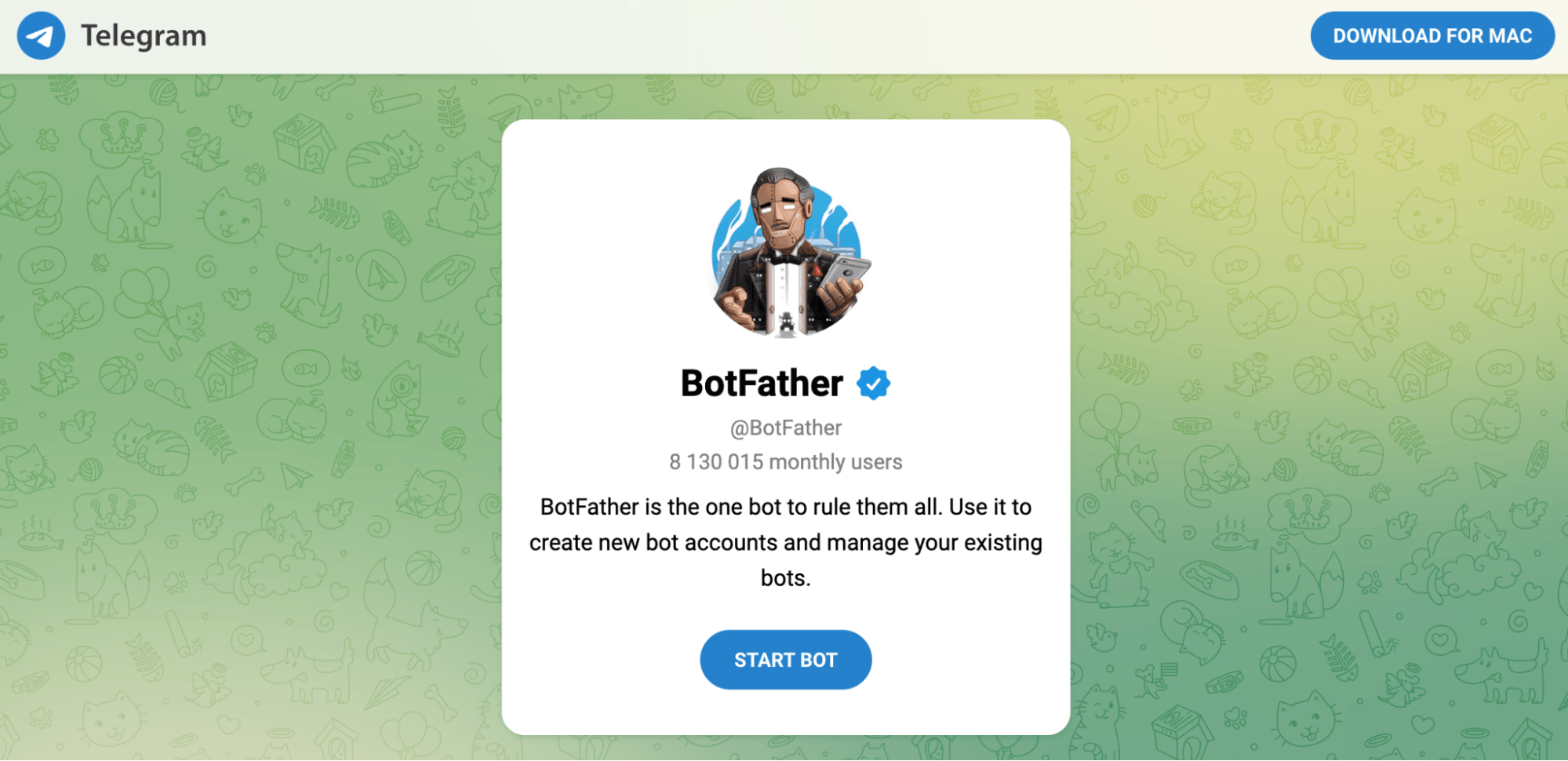
Telegram sidesteps both issues. You create bots inside Telegram using a built-in tool called Bot Father, which lets you spin up a separate, isolated bot for each agent.
#3: Run the Initialization Prompt
The moment OpenClaw finishes setting up, it opens a chat window and essentially asks, “Who am I, who are you, and what are we doing here?”
Give OpenClaw your name and the names of your businesses, then tell it to use the internet to research those names and return a summary of who it thinks you are and what you do.
I'm Mike Russell from Creator Magic.

I also have a twenty-year history with Music Radio Creative.

Go research those names and companies, find out everything you can, and come back and tell me what you've learned.
The agent will search the internet to find social profiles, website content, podcast transcripts, blog posts, and return with a detailed, often surprisingly accurate profile.
If the profile it returns has errors, correct them conversationally.
If something is substantially right, tell the agent to commit that information to memory.
Pro Tip: If you have a common name, don't rely on the open-ended search. Instead, provide direct links to your online channels (LinkedIn, YouTube channel, your business website, etc.) so the agent can pull accurate information about the right person.
Correcting Information in OpenClaw’s Memory
OpenClaw stores what it learns in plain-text markdown files you can open in any text editor. Two files in particular matter most:
- The soul.md File: This holds the core facts about who the bot is—its identity. For example, Mike's file stores an AI version of Mike Russell, an AI educator with a background in audio. If your bot has the right personality but wrong facts, this is the file to check.
- The identity.md File: This file governs how the bot behaves and communicates—its tone, style, and interaction patterns. If the facts are right but the agent's response feels off, this is the file to look at.
Pro Tip: OpenClaw also maintains additional memory files that store things you've told it over time. Mike occasionally opens these to verify what the agent has actually retained. If you ever find the agent insisting on something incorrect and you can't fix it conversationally, you can use Claude Code or Claude Cowork (if it has access to the directory where OpenClaw writes its files) to locate the specific file causing the problem and correct it directly.
#4: Create Your First Bot With OpenClaw: Gmail Triage
You can spin up several agents within the same OpenClaw installation, each with its own focus area, personality, and skill set.
Before creating your first, it helps to understand two related features:
- Skills: Skills are saved instructions that tell an agent how to handle a specific recurring task. Think of them like training a new employee: you explain what you want once, they learn the steps, and, going forward, they just do it without you having to re-explain every time.
- Timed Jobs: If you want a skill to run automatically at a set time, you can pair it with a schedule. For example, you can tell the agent: “Every morning at 8 AM, send me an inspirational quote to my Discord channel.” That instruction is saved as both a skill and a scheduled job, so it runs without you having to initiate it.
To build your Gmail triage bot, open your chosen communication app and describe what you want it to do:
Check my email every day at 8am, discard spam and pitches, identify what actually needs a reply, and rank those by urgency with the most important items at the top.
Skills can be refined iteratively. If the Gmail Triage bot marks something as read that you wanted to keep, you simply tell it and update the skill. Over time, the agent will get progressively better at the task.
To add any critical instruction, such as a business constraint or a partnership where you can't mention a competitor, use this explicit phrase to tell the agent to write that rule into its memory files so it persists across sessions, rather than treating it as a passing instruction that might fade.
Commit this to your memory.
Once the task is executed to your satisfaction, save it as a skill, and you can name it something you’ll remember.
When you later ask something as loose as, “What's happening in my inbox today?”, the AI model running on top of OpenClaw will automatically look for the relevant skill and apply it.
Pro Tip: OpenClaw can open a browser and navigate sites the same way you would; however, browser navigation is slow. For routine tasks like reading email, the faster path is to use an official API or command-line tool. Google, for example, recently released an official command-line toolkit (Google Workspace CLI) for Google Workspace, giving OpenClaw programmatic access to Gmail, Google Calendar, and other Workspace apps. You can tell OpenClaw to find that tool, install it, and configure it, and the agent will figure out the steps on its own.
Mike Russell is an AI educator who helps non-technical people use advanced AI tools. He runs the Creator Magic YouTube channel and Creator Magic Premium, a membership community for people building with AI.
Other Notes From This Episode
- Connect with Michael Stelzner @Stelzner on Facebook and @Mike_Stelzner on X.
- Watch this interview and other exclusive content from Social Media Examiner on YouTube.
Listen to the Podcast Now
This article is sourced from the AI Explored podcast. Listen or subscribe below.
Where to subscribe: Apple Podcasts | Spotify | YouTube Music | YouTube | Amazon Music | RSS
✋🏽 If you enjoyed this episode of the AI Explored podcast, please head over to Apple Podcasts, leave a rating, write a review, and subscribe.
Stay Up-to-Date: Get New Marketing Articles Delivered to You!
Don't miss out on upcoming social media marketing insights and strategies! Sign up to receive notifications when we publish new articles on Social Media Examiner. Our expertly crafted content will help you stay ahead of the curve and drive results for your business. Click the link below to sign up now and receive our annual report!

Where Do You Actually Stand With AI?
Most marketers use AI, but they don't know what's holding them back from real results.
Our 3-minute quiz pinpoints the one gap keeping you stuck — and gives you the exact next step to fix it.
GET MY RESULTS






