 by
by Friday is almost here! Before you unplug, here's one last round of insights and updates. Whether you read them now or save them for later, you won't want to miss these.
In today's edition:
-
Using forms to inform and guide AI's actions
-
A step-by-step process for professional-quality AI video
-
🗞️ Industry news from Anthropic, OpenAI, and more

The Simple Tool That Makes AI Actually Do Things
Everyone's focused on writing better prompts. But the real unlock might be something you've used a hundred times and never thought of as an AI tool: a form.
You can get AI to gather information: scan a page, review a call, read through feedback. But what comes back is a summary you still have to read, interpret, and act on yourself. AI did the research, then handed you more work.
A form flips that. Instead of asking AI what it found, you give it a set of fields to fill. Every label is an instruction. Every dropdown eliminates guesswork. What comes back isn't a paragraph to interpret, it's structured data, clean enough to act on without you in the middle.
Here's the real magic: a form submission is a trigger. Every automation tool watches for “new form response.” The moment the form is filled, the next step fires on its own. Competitor intel posts to your team channel. Call notes become assigned tasks. Prospect research creates the CRM record and drafts the outreach.
That's the difference between AI that reports to you and AI that sets things in motion. Pick something you handle by hand every week. Build the form. Then set up what happens next.
More practical AI tricks like this are available instantly when you join the AI Business Society.

Everything You Need, Ready to Use
AI Business World gives you complete, ready-to-use workflows for daily operations — in marketing, sales, finance, and beyond — so you leave with tools you can put to work immediately, and momentum that keeps building long after the conference ends.
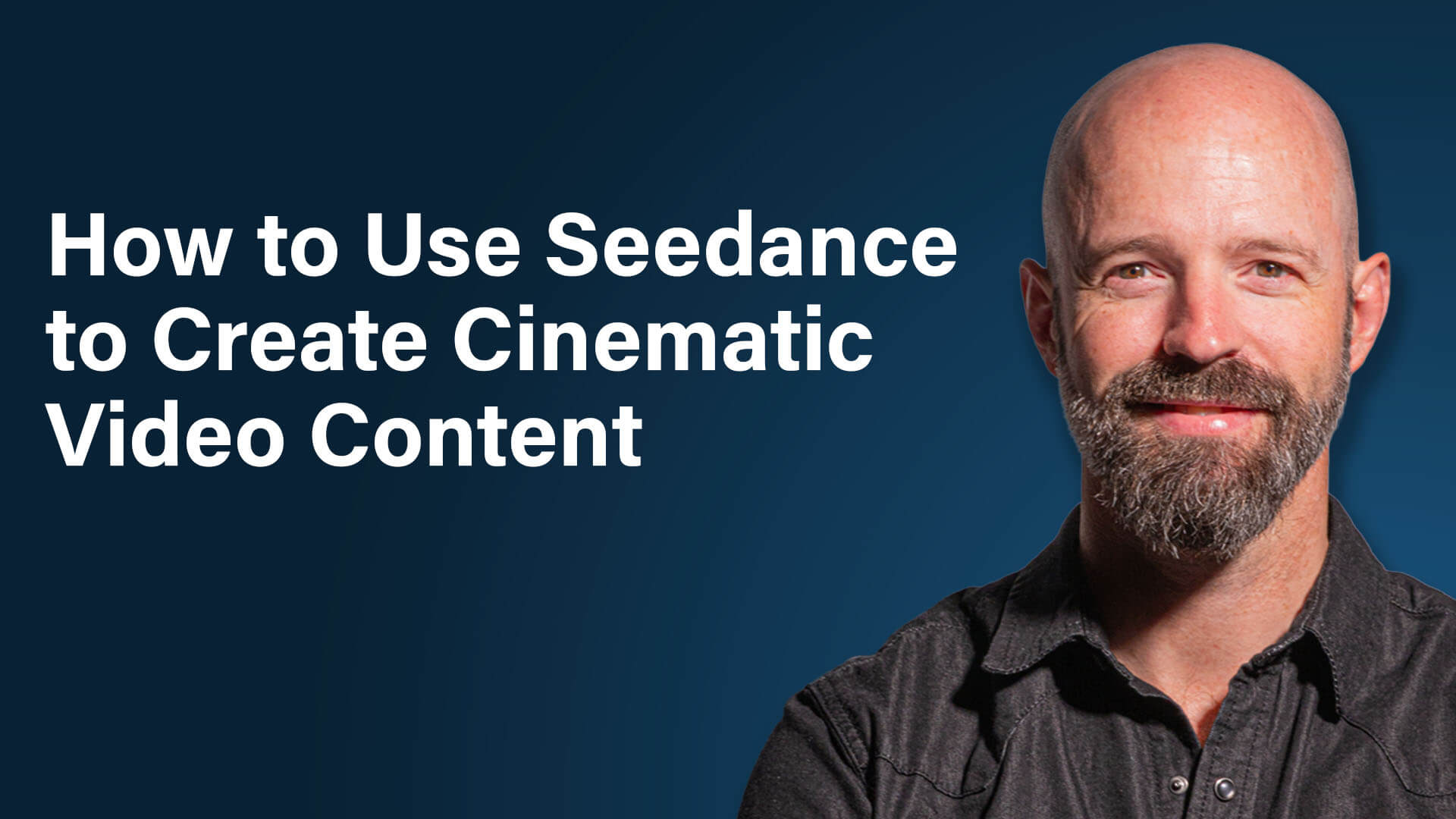
How to Create Professional AI Video (Even If You're Not a Filmmaker)
AI video has come a long way from the distorted, spaghetti-limbed clips that went viral a couple of years ago. Today's tools can produce cinematic-quality content that's nearly indistinguishable from traditional footage. But the gap between what's possible and what most people are actually creating is enormous. Ross Symons, co-founder and chief creative officer of Zen Robot, breaks down the step-by-step process his studio uses to produce AI video that looks polished, intentional, and nothing like the generic content flooding your feed.
Why “Easy to Make” Is the Biggest Misconception About AI Video
Anyone can type a prompt and get a video clip back. But getting a result that actually looks good requires a specific way of communicating with these tools that's very different from how you'd chat with an AI assistant. Learn why the language you use matters more than the tool you pick, and how understanding the difference between diffusion models and large language models changes everything about your results.
Start With a Concept, Not a Prompt
The biggest mistake people make is jumping straight into a video tool without knowing what story they're telling. Discover the simple framework Ross uses to define a concept before generating a single frame, and find out how an LLM like ChatGPT can help you develop and sharpen your idea before you ever open a video model.
How to Build Key Visuals That Set Your Video Apart
Most AI-generated images default to a flat, centered, perfectly balanced composition. Ross walks through a practical approach to creating characters, environments, and camera angles that feel intentional, including a technique that uses well-known film directors as creative shorthand. Learn how to give your visuals depth and emotion without needing any film school training.
The Keyframe Method for Assembling Multi-Clip AI Videos
Creating a single impressive clip is one thing. Stringing multiple clips into a cohesive sequence is where most creators get stuck. Find out how to use start and end frames, timed prompts, and a storyboard-first workflow to build videos that feel like they were edited by a professional, plus the common prompting mistake that causes the “spaghetti arms” problem.
Want to Learn More?
-
Watch on YouTube
-
Listen on Apple Podcasts | Spotify | Amazon Music
-
Read the show notes on Social Media Examiner

Tools Change. Your Workflow Shouldn't.
Every time your AI platform changes, raises its price, or goes down completely, it can feel like starting from scratch — relearning steps you already had working.
The real fix isn't learning faster. It's building a workflow that survives the platform changing underneath it.
The AI Business Society's free guide shows you how — including a live demo of switching AI platforms mid-task, and the four-step method for an agent that runs on any AI.

Anthropic Launches Claude Opus 5.5: Anthropic has released Claude Opus 5.5, its new flagship model for complex coding, computer-use, research, and professional workflows. The model combines higher performance with lower operating costs, faster output, clearer communication, and expanded safeguards for high-risk capabilities such as cybersecurity and biology. Anthropic is also raising usage limits for paid subscribers, while Sonnet 5.5 and Haiku 5.5 are set to extend similar performance, efficiency, and safety improvements across the Claude lineup in the coming weeks. Anthropic
Anthropic Unifies Claude Chat and Cowork and Adds Docs and Presentations: Anthropic is consolidating Claude's chat, Cowork, Artifacts, and design capabilities into a single interface that automatically directs requests to the appropriate tools. The update also introduces dedicated document and presentation workflows, allowing users to collaboratively create and edit documents, build and present slide decks, export presentations to PowerPoint or PDF, and continue monitoring work across desktop and mobile. The new experience is rolling out to Pro and Max subscribers first, with broader availability planned later. TechCrunch
Meta Brings Muse AI Agent to Mac: Meta has expanded Muse to macOS, giving the AI assistant access to native desktop workflows such as files, messages, calendars, notes, and email when users grant permission. Muse can take actions across these applications while requiring approval for sensitive tasks, bringing its agentic capabilities more directly into everyday computer use. The Mac launch follows Muse's earlier rollout on mobile and the web and comes alongside new capabilities such as voice calling. TechCrunch
OpenAI Expands ChatGPT Ads With Sponsored Agents and AI Campaign Tools: OpenAI is adding conversational and generative AI capabilities across its advertising platform, including Sponsored Agents that let interested users engage directly with business-sponsored assistants after clicking an ad. Marketers can also build, update, and analyze campaigns through natural-language prompts in ChatGPT Work, while Ads Manager gains AI-generated creative suggestions and contextual text customization. New HubSpot and Shopify integrations bring campaign creation, measurement, lead management, and commerce workflows into tools businesses already use. OpenAI







